Imagine building applications as easy as assembling Lego blocks – quick, intuitive, and flexible. That’s what Boomi Flow brings to organizations looking to simplify and scale their digital processes. Boomi Flow is a low-code workflow automation and application development platform that empowers customer journeys, automates approvals, and connects data across systems without heavy coding.
It bridges the gap between people, processes, and systems to ensure data flows effortlessly and decisions are made faster. From onboarding customers to building mobile-first solutions, these Boomi Platform capabilities simplify innovation with an easy-to-use framework.
Learn the most common Boomi Flow use cases and how to implement them in your organization.
What is Boomi Flow?
Boomi Flow is a low-code workflow automation platform to build modern, connected, and user-friendly applications. It allows businesses to create responsive apps and integration systems with easy-to-use interfaces without requiring extensive coding.
Key Features of Boomi Flow
Boomi Flow comes with a robust set of low-code tools, connectors, and deployment options that simplify building and automating digital workflows. These features help organisations create scalable, responsive, and integrated applications with minimal effort.
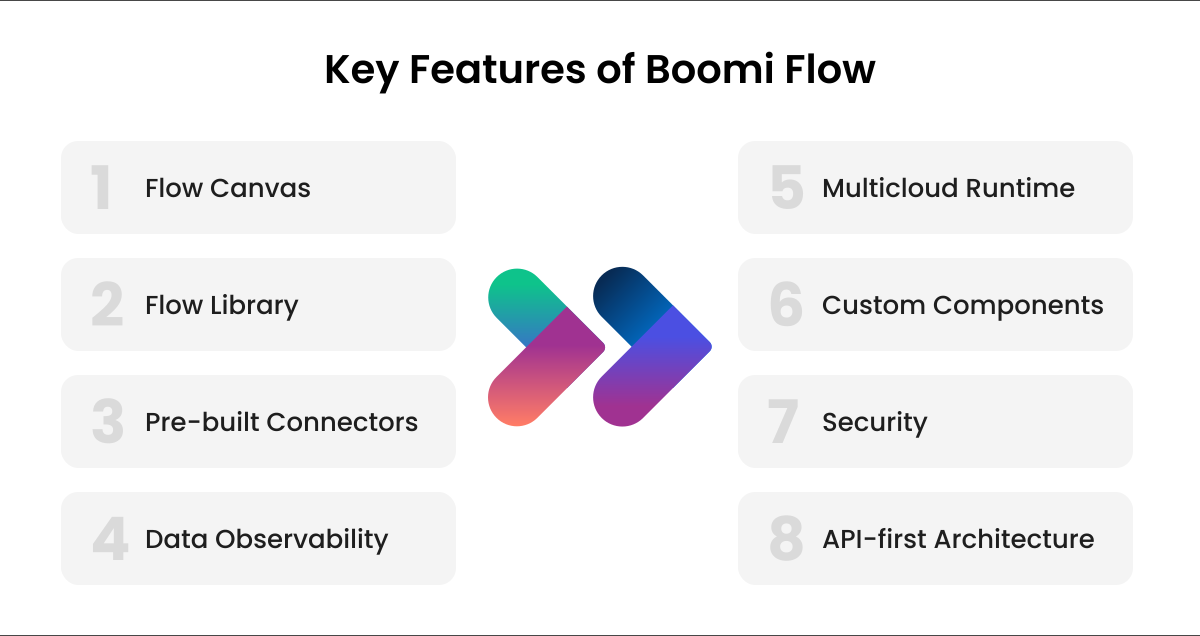
1. Flow Canvas
A drag-and-drop visual interface that speeds up design and development, allowing teams to build workflows and applications without manual coding.
2. Flow Library
A collection of pre-built templates and example flows that help jumpstart projects and accelerate time-to-value.
3. Pre-built Connectors
Easily connect your flows to data sources, SaaS applications(SAP), and backend systems using Boomi Integration’s extensive connector library.
4. Data Observability
Send flow performance and execution data to OpenTelemetry to monitor, analyse, and optimise workflow reliability and efficiency.
5. Multicloud Runtime
Deploy applications across multiple cloud environments, giving organisations greater flexibility and control over data and infrastructure.
6. Custom Components
Create reusable UI components and tailor the user interface to meet specific business needs, ensuring a polished, consistent experience.
7. Security
Built with enterprise-grade certifications like FedRAMP and ISO 27001, ensuring that sensitive data and critical processes remain protected.
8. API-first Architecture
Interact directly with Flow APIs to extend platform functionality, automate deployments, and integrate with external systems programmatically.
| Recommended Read: Inside Boomi iPaaS: How It Works, Key Components, and Benefits for Modern Integration |

Benefits of Boomi Flow
1. Accelerated Low-Code Development
By using a drag-and-drop interface, Boomi Flow enables teams to build applications and workflows quickly, reducing reliance on heavy coding and long development cycles.
2. Integration Across Systems
Backed by Boomi Integration, Flow lets you connect effortlessly to SaaS apps, databases, cloud systems, and legacy environments, ensuring a smooth end-to-end data flow.
3. Customer & Employee Experiences
Responsive UI and multichannel support help deliver intuitive digital journeys, from onboarding to approvals, across web and mobile devices.
4. Increased Operational Efficiency
Manual processes are automated with business rules, routing, and notifications, helping teams work faster and eliminate repetitive tasks.
5. Enterprise-Grade Security
Boomi Flow complies with certifications such as FedRAMP and ISO 27001 to ensure strong data protection and security for critical business processes.
6. Flexible Deployment & Customization
Multicloud runtime, reusable components, and an API-first architecture allow organizations to tailor solutions and deploy them anywhere with ease.
Common Boomi Flow Use Cases
Boomi Flow supports a wide range of real-world applications, from workflow automation to mobile app development and cross-system collaboration. These use cases help organisations innovate faster and deliver seamless digital experiences across channels.
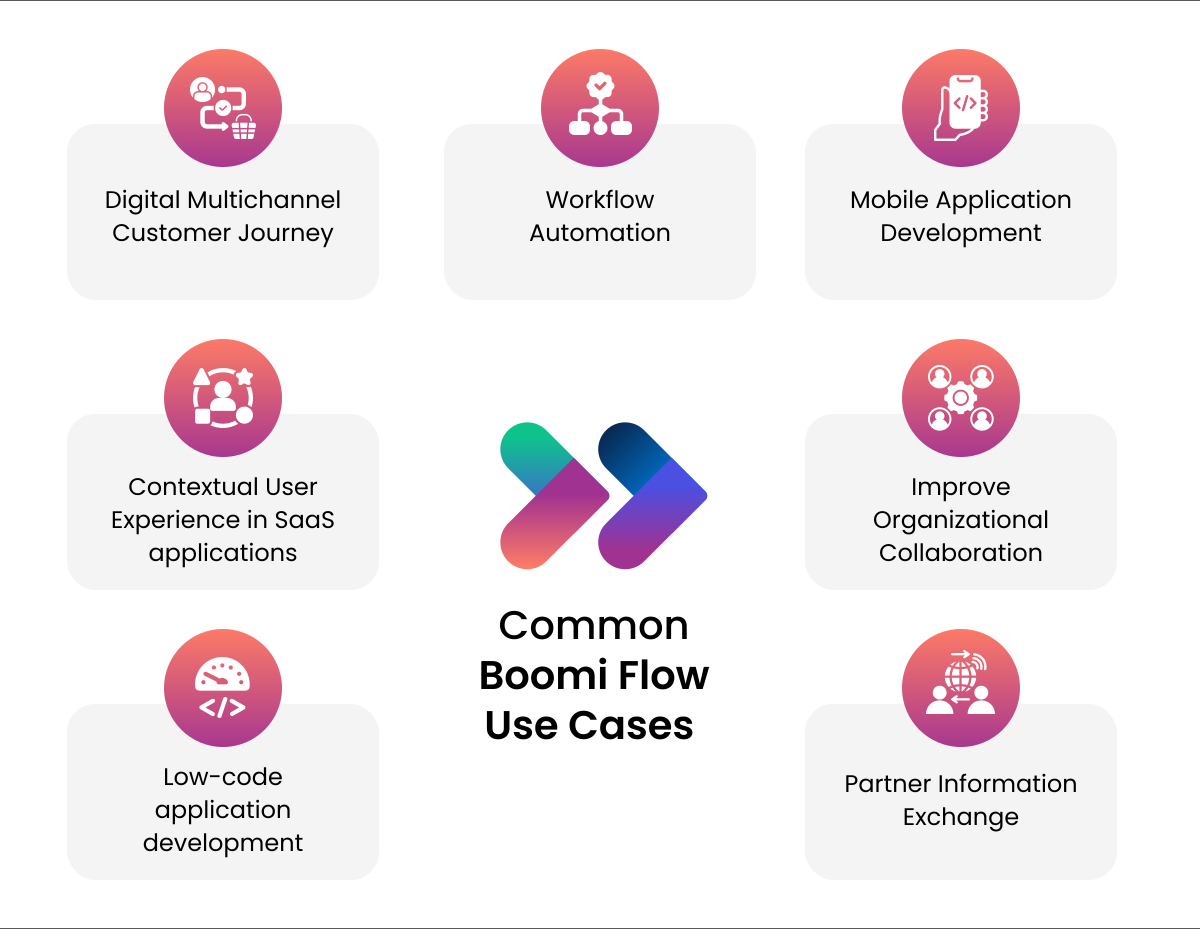
1. Digital Multichannel Customer Journey – Incremental integration of your channels and systems to deliver a truly digital customer experience. e.g., customer onboarding. This helps organisations create unified, consistent, and seamless interactions across web, mobile, and in-person channels, improving overall customer satisfaction and engagement.
2. Workflow Automation – Opportunity to streamline and automate human workflow and introduce digitised intelligent steps, business rules (auto approval, routing), replacing manual intervention wherever possible. e.g., expense approval, leave approval. By reducing manual touchpoints and errors, businesses can accelerate processes, improve compliance, and boost operational efficiency.
3. Mobile Application Development – Responsive app development to cater to all channels and devices, e.g., Insurance Claim app to work online or offline. Boomi Flow enables mobile-first experiences, ensuring users can access critical applications anytime, anywhere, even without network connectivity.
4. Contextual User Experience in SaaS applications – Boomi Flow application development platform sits above your integration layer to build a complete context and deliver an engaging user experience, e.g., Customer Feedback and Net Promoter Score (NPS) Survey applications. This allows businesses to extend their SaaS platforms with tailored interfaces that enhance usability and deliver deeper contextual insights.
5. Improve Organization Collaboration – Build applications that improve collaboration across functional silos and their systems, and chain together functionality and data from different applications and services. By connecting teams and systems, Boomi Flow strengthens cross-departmental coordination and supports more efficient decision-making.
6. Low-code Application Development – As part of the tools for your digital or innovation lab, Boomi Flow can be a handy tool for quickly developing digital prototypes, iterating with tests, and improving cycles. Its low-code environment accelerates innovation cycles, allowing teams to experiment, validate ideas, and launch solutions faster.
7. Partner Information Exchange – Building applications that allow digital interactions between enterprises. e.g., RFP processes to existing suppliers. Boomi Flow simplifies secure communication and data exchange with external partners, streamlining collaboration and supplier management.
How to Start with Boomi Flow Integration?
Here is a step-by-step approach to getting started with Boomi Flow and creating your first workflow.
1. Log in and Choose Boomi Flow
Log in to your Boomi AtomSphere portal and select Flow to build workflow applications using the visual interface.
2. Create a New Flow / Application
Start by creating a new Flow (or application) in Boomi Flow. Once you start, you can use drag-and-drop elements, such as UI components.
3. Define Workflow Steps and Logic
Use Flow Canvas (the drag and drop interface of Boomi Flow) to define what kind of flow you want – add subsequent steps, decisions, conditional logic, branching, etc.
Based on business needs, you can build approval workflows, data input flows, notification triggers, etc.
4. Connect to Data Sources or Backend Systems
If you want to connect your workflow with a database or other systems, Boomi Flow supports integration using connectors or via integration setup linking with Boomi Integration assets.
This approach allows your Flow to interact with real data.
5. Test & Validate the Flow
After building flow logic and integration, run a test in a sandbox environment. Check whether each step triggers correctly, whether data flows as expected, whether the UI works, and whether edge cases (e.g., missing data) are handled.
If using integrations, ensure connectors, authentication, permissions, and mappings are correctly configured.
6. Deploy the Flow/Application
After testing, deploy your Flow so users can start using it.
You can also version control, monitor usage, and maintain the flow over time (especially useful if it integrates with critical backend systems).
7. Connect Flow with Integration Assets (Optional)
If you want to connect a UI form to a database update or trigger business logic, link the Flow with the underlying integration process. This bridges user-facing workflows with backend data & automation.
This way, Boomi Flow becomes part of a larger iPaaS-driven automation strategy rather than a standalone solution.
Conclusion
Boomi Flow stands out as a powerful Boomi solution for organizations looking to streamline workflows, modernize customer journeys, and accelerate digital transformation without complexity. Its capabilities, such as a low-code environment, robust integration, and flexible deployment, make it easy to use for building responsive business applications.
If you are looking to automate approvals, develop mobile-ready solutions, or integrate multiple systems, our Boomi Flow expertise helps you build connected, intelligent workflows.
Frequently Asked Questions
1. Is Boomi Flow an API first platform?
Yes, Boomi Flow is built on an API first architecture. Flow’s UI and tools are simply layers that call underlying REST APIs, allowing the user to interact with the platform programmatically as well as via its visual builder.
2. Is Boomi Flow UI responsive?
Yes, Boomi Flow is UI responsive. It uses a modern HTML5/React-based UI framework designed to be responsive and adaptable across different devices, so applications built with Flow work well on all screen sizes.
3. What are examples of Boomi Flow use cases?
Boomi Flow use cases range from building internal business apps and approval workflows to integrating data across systems such as CRM and ERP.
4. How to handle errors in Boomi Flow?
Boomi Flow offers a FAULT outcome option that triggers automatically when any service call or process fails. Users can route the Flow through this error path to log issues, trigger notifications, or implement feedback actions. To manage your Boomi Flow, contact us.
5. How does Boomi Flow integrate with other systems?
Boomi Flow integrates using its “Flow Integration Service” component, along with connectors, allowing flows to invoke integration processes, exchange data, and connect to third-party systems such as SaaS Apps (Salesforce), databases, and cloud services.

