- Boomi suits mid-to-large enterprises running hybrid SaaS, cloud and on-premise systems, EDI partner exchange, and governed APIs and AI agents on one platform.
- Boomi is a weaker fit for simple cloud-to-cloud automations or a single prepackaged sync between two apps.
- Three key questions decide fit: how much critical data stays on-premise, whether EDI partners are involved, and who will own integration.
- Boomi cuts coding but not design, testing or monitoring, so an internal or partner owner is needed to avoid undocumented sprawl.
Boomi iPaaS is a strong fit for mid-to-large enterprises that run a hybrid mix of SaaS, cloud and on-premise systems, trade with partners over EDI, and want integration, API management and AI agents governed on one platform. It’s a weaker fit if you only need simple cloud-to-cloud automations or a single prepackaged sync between two apps.
That view isn’t ours alone. Gartner named Boomi a Leader in its 2026 Magic Quadrant for iPaaS for the 12th consecutive time and placed it highest for Ability to Execute. But a ranking can’t tell you whether Boomi fits your estate. In our experience, three questions usually decide it:
- How much of your critical data still lives on-premise?
- Do suppliers, customers or 3PLs exchange EDI documents with you?
- Who will own integration once the first projects go live?
Boomi iPaaS in Brief
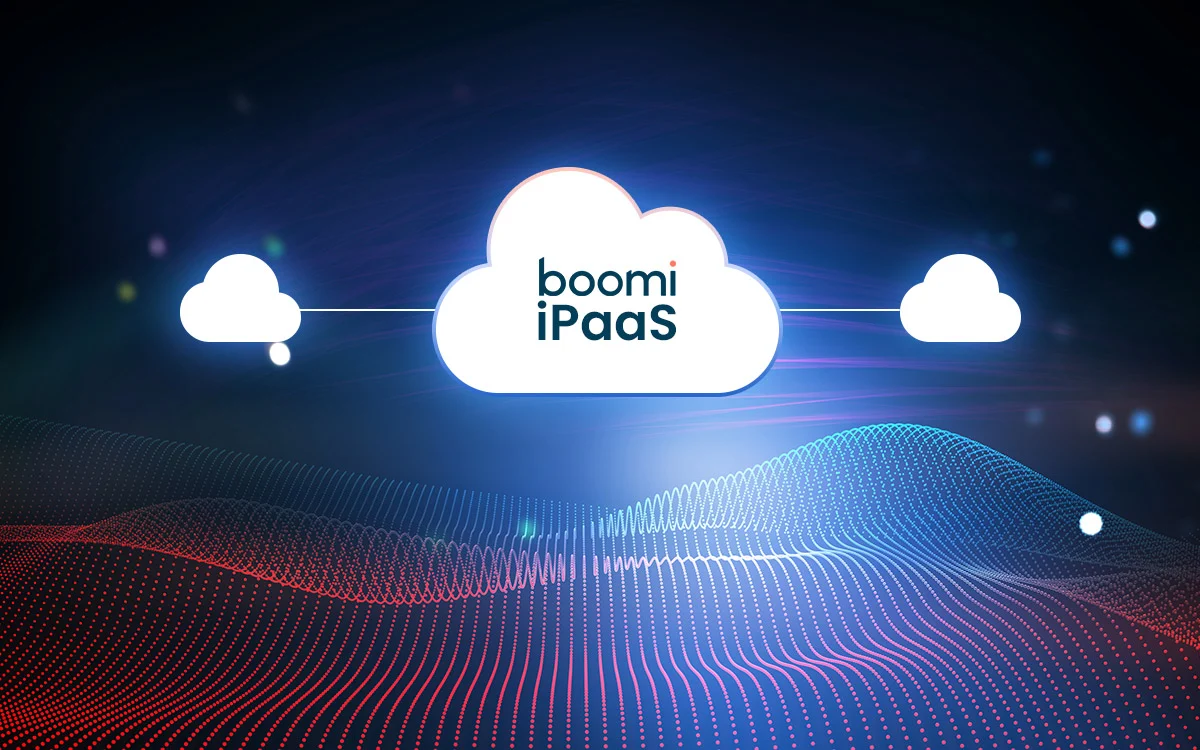
Boomi iPaaS is a cloud-managed, low-code platform for connecting applications, data, APIs and trading partners across cloud and on-premises environments. Formerly known as Dell Boomi (Dell owned the company from 2010 until 2021), it is now sold as the Boomi Enterprise Platform and covers integration, API management, B2B/EDI, master data management, data integration and AI agent management. Integrations are designed centrally in the browser and run on lightweight runtimes that can sit in Boomi’s cloud, your own cloud, or inside your network.
For a full walkthrough of the platform’s components and runtime architecture, read How Boomi iPaaS Works. The rest of this guide focuses on the evaluation question: does Boomi fit your enterprise?
Is Boomi a Good Fit for Mid-to-Large Enterprises?
Yes, when integration is a program rather than a one-off project. Boomi’s value grows with the number of systems, partners and teams you need to connect and govern. That’s why it suits mid-sized and large enterprises better than small teams running a handful of apps.
Use this quick test:
| If this describes you | Why Boomi fits |
|---|---|
| You run cloud and on-premise systems side by side (for example SAP or Oracle alongside Salesforce, Workday or NetSuite) | Runtimes install inside your network, so on-premise systems connect without being exposed to the internet |
You exchange orders, invoices or shipping data with partners |
B2B/EDI management is part of the same platform |
| You need to publish and secure APIs, not just move data | API management sits next to integration, under one governance model |
| Central IT and business units both build integrations | Low-code design widens who can build, while shared components keep standards consistent |
| You operate in a regulated industry | Boomi supports standards such as SOC 2, HIPAA and GDPR |
| You plan to put AI agents to work on enterprise data | Agentstudio and MCP support let you govern agents on the same connections |
Three or more ticks? Boomi deserves a serious evaluation. One or none? A lighter tool may serve you better.
Struggling with disconnected systems? Our experts will show you how Boomi can effortlessly unify your entire ecosystemFix Your Integration Chaos With Boomi iPaaS
10 Reasons Enterprises Choose Boomi iPaaS
These are the capabilities that come up most when enterprise architects and IT leaders evaluate Boomi. Each one starts with the question it answers.
1. Low-Code Development Without Losing Control
Can teams connect cloud and on-premise apps without deep coding skills? Mostly, yes. You build integrations on a visual canvas and map data in a visual mapper instead of writing code. Analysts can contribute, and senior engineers ship faster.
Low-code isn’t no-code, though. Complex transformations still call for Groovy or JavaScript, so you’ll want people who understand integration design. For specialty insurer Convex, NeosAlpha used Boomi to automate underwriting data flows that had depended on manual handling across fragmented systems.
2. Hybrid Integration Across Cloud, On-Premise and Legacy Systems
Can one platform connect SaaS apps with systems that never leave the data center? Yes, and this is where Boomi’s architecture earns its place. You design in the cloud but run integrations on a basic runtime, a runtime cluster for high availability, or a runtime cloud (formerly called an Atom, Molecule and Atom Cloud).
A local runtime needs only outbound internet access, so on-premise ERPs and databases join cloud workflows without inbound firewall changes. Footwear brand Vivobarefoot used this model to link its ecommerce channels, NetSuite ERP and third-party warehouses into one order-to-fulfillment flow.
3. Prebuilt Connectors for ERP, CRM and HCM Systems
How much custom connector work will we still need? Far less than with code-first tools. Boomi’s connector library spans ERP, CRM, HCM, databases, file transfer and cloud services, and now includes MCP and generative AI services such as Amazon Bedrock. In March 2026, Boomi also released enterprise connectors for Workday and ServiceNow with deeper features like Workday RaaS reports.
Connectors handle authentication, paging and API changes, so your team works with business objects instead of raw endpoints. Iconic Offices used Boomi’s Salesforce and NetSuite connectors to keep its sales and finance systems in sync. Our Boomi NetSuite integration guide goes deeper.
4. Event-Driven and API-Led Integration Patterns
Which integration tools support event-driven workflows? Boomi does, along with the other patterns enterprises mix every day:
- Point-to-point for simple, stable links between two systems
- Hub-and-spoke to route one source to many targets
- Event-driven flows through messaging and streaming connectors such as Kafka
- API-led designs that expose integrations as reusable, managed APIs
A UK hospital charity worked with NeosAlpha to onboard partner and clinical data through a Boomi API gateway, pairing API-led intake with downstream batch processing.
5. Real-Time Data Sync Where It Matters
Can we sync ERP, CRM, HCM and ecommerce data in real time? Yes. Processes can start from webhooks, API calls, message queues or change data capture (CDC), which passes only changed records downstream. Boomi added CDC support for SAP in January 2026, closing one of the harder real-time gaps.
Still, real time is a design choice, not a default. Inventory and order status justify it. Nightly financial consolidation usually doesn’t. Good Boomi designs use both and document why.
6. B2B/EDI and Trading Partner Onboarding
Can Boomi onboard suppliers that send mixed formats and EDI? Yes, and it’s one of the clearest gaps between Boomi and lighter automation tools. Partner profiles, EDI documents such as orders, invoices and ship notices, and the ERP integrations behind them all live on one platform. Adding a partner becomes a configuration task, not a new project.
IT distributor Westcoast used Boomi to automate trading with 20 partners across more than 50 processes, cutting processing time by 40%. See how we approach this in our Boomi EDI services.
7. API Management on the Same Platform
Do we need a separate API management product? Often not. Boomi API Management lets you design, publish, secure and monitor APIs, including ones that wrap your integrations. Since March 2026, API Products can also bundle APIs from several gateway environments into one governed catalog. IDC named Boomi a Leader in its 2026 MarketScape for worldwide API management. One platform means one security model, one monitoring view and one team that understands both.
8. AI Agents With Agentstudio and MCP
Can we put AI agents to work on enterprise data safely? This is where Boomi has moved fastest. Agentstudio lets you design, deploy and govern AI agents, and Model Context Protocol (MCP) support lets agents use enterprise systems as governed tools. In 2026, Boomi added an MCP Registry, Boomi Connect for governed links between AI assistants and enterprise apps, Boomi Orchestrate for agentic workflows, and Boomi Companion for building integrations in natural language.
The payoff is that agents share the same connections, credentials and audit trail as your integrations. An international schools group worked with NeosAlpha to cut the time its teams spend identifying leads using Boomi agents. Read more in our Boomi Agentstudio guide.
9. Monitoring and Operational Visibility
Will we know an integration failed before the business does? Boomi gives operations teams one view of process executions, document tracking, errors and runtime health across every environment. Alerts route to the right people, and the Event Notifications API streams platform events into your own monitoring tools.
Visibility only helps if someone acts on it. That’s why many enterprises pair Boomi with managed services that triage failures within agreed response times.
10. Security, Compliance and Scale
Will Boomi meet our security bar and keep up with growth? Boomi supports SOC 2, HIPAA and GDPR, and its public cloud received FedRAMP authorization in 2019. Encryption, role-based access, single sign-on and audit logs are standard, and sensitive data can stay inside your network on a local runtime.
For scale, runtime clusters add nodes horizontally with high availability, so throughput grows without redesigning processes. UK architectural hardware supplier Frelan Hardware combined Boomi with an OCR engine to automate order processing, and a ports and container terminal operator runs its operational integrations on Boomi.
Where Boomi May Not Be the Best Fit
No platform suits everyone. Settle these questions before you sign a multi-year subscription.
- Simple cloud-to-cloud automations: If you mostly need “form submitted, create a record, send a message” across popular SaaS apps, a task automation tool is faster to set up and cheaper to run.
- One packaged two-system sync: Some vendors specialize in a single pairing, such as Salesforce to Microsoft Dynamics, and ship templates for it. If that’s all you’ll ever need, they’ll get you live quickly.
- No one to own integration: Boomi cuts coding, not design, testing or monitoring. Without an internal owner or a partner in that role, any platform turns into a sprawl of undocumented processes.
- Heavy custom logic everywhere: If most integrations need bespoke transformation logic, you’ll write plenty of script inside Boomi anyway. Compare the developer experience with code-first platforms first.
Boomi vs Other iPaaS Platforms
Most Boomi shortlists include at least one of these platforms. They overlap, but each was built for something different.
| Platform | Built mainly for | Deployment | What to check |
|---|---|---|---|
| Boomi | Enterprise-wide integration, B2B/EDI, API management and AI agents on one platform | Cloud-managed, runtimes in Boomi’s cloud, your cloud or on-premise | Editions are quote-based; plan for integration ownership |
| Workato | Integration plus business process automation shared by IT and business teams | Cloud, with an on-premise agent | Fit for heavy EDI and high-volume data movement |
| MuleSoft | API-led connectivity for developer-heavy, often Salesforce-centric teams | Cloud, customer-hosted or hybrid | Higher entry cost (from $2,000 a month, billed annually) and a code-centric build model |
| Zapier | Quick task automation across thousands of SaaS apps | Cloud only | Not built for on-premise systems, EDI or enterprise governance |
| Rapidi | Prepackaged ERP-CRM sync, especially Microsoft Dynamics with Salesforce | Cloud service | Narrow scope if needs grow beyond ERP-CRM |
Choose Boomi for one governed platform across a hybrid estate with partners, APIs and agents. Choose Workato when business process automation across SaaS apps is the main goal, and MuleSoft when API-first developers already invested in Salesforce lead the work. Zapier suits lightweight SaaS automations, and Rapidi a standard Dynamics-to-CRM sync.
NeosAlpha partners with both Boomi and Workato, so we often run this comparison against a client’s real use cases. For a deeper head-to-head, read Boomi vs MuleSoft: Choosing the Best iPaaS for Enterprise Integration.
How Much Does Boomi iPaaS Cost?
Boomi offers two ways in. Pay-As-You-Go costs $99 a month plus a per-message charge, with no long-term contract, which suits pilots and small workloads. Most enterprises buy annual subscription editions instead. Boomi quotes these based on the edition, the number of connectors, and add-ons such as API management, B2B/EDI, Data Hub and Agentstudio tiers. A 30-day free trial is also available.
License fees are only part of the total cost. Design, testing, monitoring and fixing poorly built processes later often cost as much. Choosing the right edition up front and reusing proven integration patterns keep both under control.
Implementing Boomi With the Right Partner
Choosing Boomi is half the decision. The other half is how well your first integrations are designed, because those patterns get copied across everything that follows.
Before you commit, run a short proof of concept on two use cases: one hybrid flow that touches an on-premise system, and one partner or API flow. It shows how Boomi handles your real data, security rules and volumes, and it gives you a realistic view of the edition, connectors and build effort you’ll need.
NeosAlpha is a Boomi Gold Partner with more than ten years of Boomi delivery across insurance, retail, distribution, logistics and the nonprofit sector. Our experts help enterprises pick the right edition, design reusable patterns, migrate from legacy middleware and run integrations day to day through our Boomi iPaaS integration services.
Evaluating Boomi for your organization? Book a session with our Boomi experts to map your systems, partners and use cases against the platform before you commit.